

The practices that support a successful Apple deployment at 50 devices can also support success at 5,000. The difference is not the foundation. It's how organizations build upon it as their needs evolve.
Many organizations begin with a straightforward approach to Apple management: a mobile device management (MDM) solution, a set of security and configuration policies, and processes that help employees stay productive. As deployments grow, those same fundamentals remain important, but organizations often look for additional ways to automate routine tasks, improve visibility, and simplify administration across larger device fleets.
Building on a Strong Foundation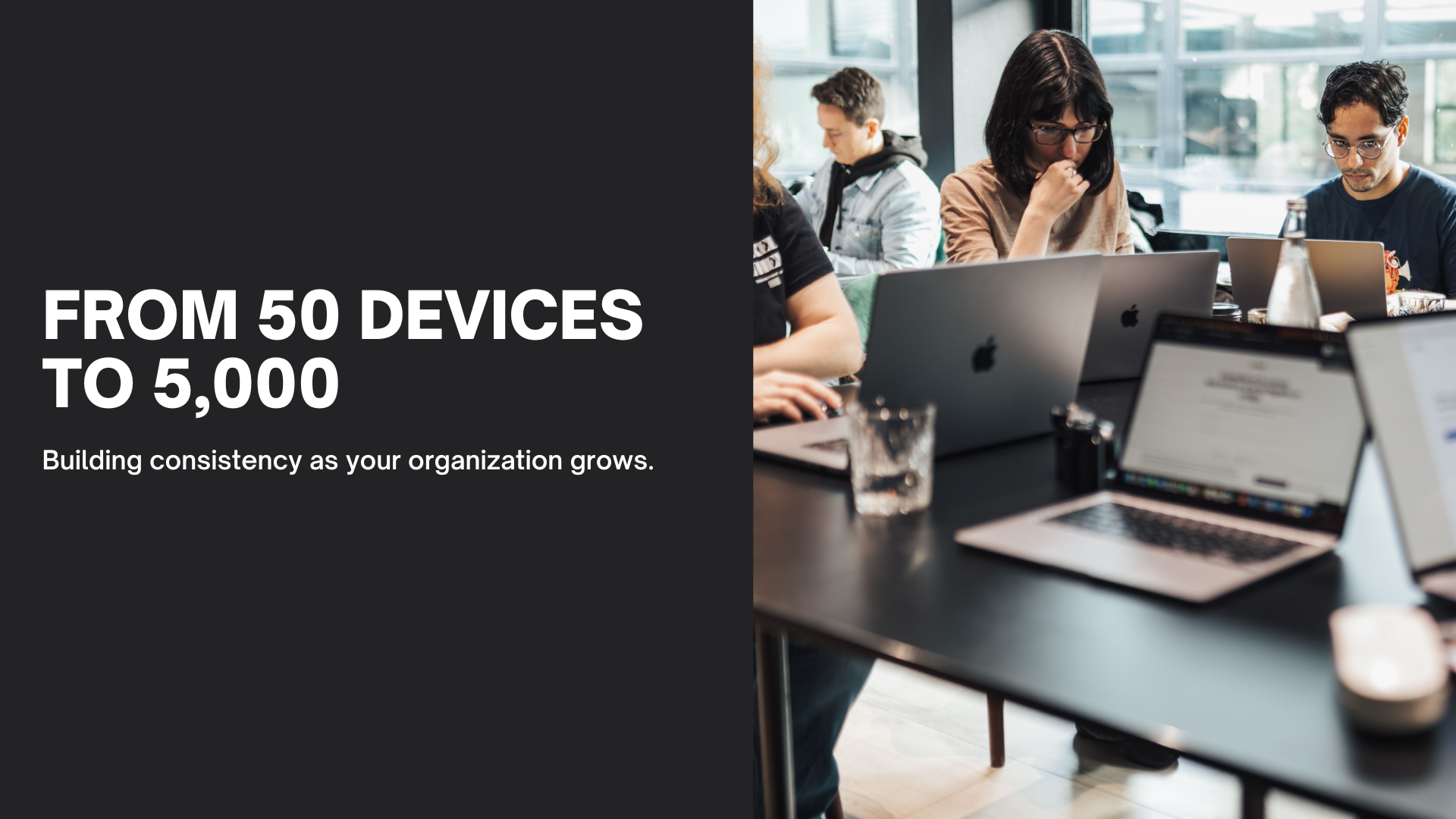
Apple management scales effectively because the same core principles apply regardless of deployment size. Organizations typically start with device enrollment, application deployment, security policies, and user support. As the environment expands, those capabilities can be extended through automation, reporting, identity integrations, and lifecycle management processes.
Growth does not require a completely different strategy. Instead, the processes around those core capabilities become more structured as the deployment expands.
The table below shows how common Apple management practices can evolve as organizations support more users, devices, locations, and requirements.
| Management area | Establish the foundation | As the environment grows | As management matures |
|---|---|---|---|
| Enrollment | Establish a consistent enrollment model | Support different ownership and enrollment scenarios | Standardize deployment workflows across users, devices, and locations |
| Configuration | Deploy standard configurations and policies | Tailor configurations by device, user, or use case | Establish governance for configurations, changes, and exceptions |
| Applications | Centrally distribute managed apps | Automate app assignment and update workflows | Manage application lifecycle across users, devices, and locations |
| Updates | Define software update policies | Enforce update requirements through device management | Standardize update policies and compliance across the fleet |
| Identity | Define an identity and account strategy | Integrate identity providers and Managed Apple Accounts | Extend identity integrations across enrollment and access workflows |
| Visibility | Maintain visibility into device status and inventory | Expand compliance and operational reporting | Use device status data to identify issues and configuration drift across the fleet |
Maintaining Visibility Across Growing Device Fleets
As Apple deployments expand, maintaining visibility becomes increasingly important. IT teams need a clear understanding of device status, software versions, security settings, and compliance requirements across their environment.
The Omnissa State of Digital Workspace 2026 report highlights the value of consistent management practices and centralized visibility across enterprise device fleets.¹ Organizations that establish scalable management processes are often better positioned to support employees efficiently while reducing administrative overhead.
Automation plays an important role here. By automating policy deployment, device enrollment, and routine management tasks, IT teams can spend less time on repetitive administration and more time supporting strategic initiatives.
Simplifying Updates and Ongoing Management
Keeping devices up to date is another area where scalable management practices deliver value. Automated update policies and centralized management help organizations maintain consistency across device fleets while reducing the need for manual intervention.
As organizations grow, these processes help create a predictable experience for both employees and IT teams. Devices receive the updates, applications, and configurations they need, while administrators gain greater visibility into the overall health of the environment.
Supporting Employees at Scale
A well-designed Apple management strategy benefits more than IT. It also helps create a better experience for employees.
Modern management solutions allow IT teams to remotely deploy applications, update configurations, and provide support regardless of where employees are located. This flexibility is increasingly important as organizations support hybrid and distributed work environments.
When devices are deployed consistently and managed through centralized processes, employees spend less time troubleshooting technology and more time focused on their work.
Planning for Future Growth
The organizations that manage Apple most effectively are not simply solving today's challenges. They are creating a framework that can support future growth.
That includes planning for identity management, application deployment, device lifecycle management, and evolving business requirements. By making these considerations part of their strategy early, organizations can build an environment that remains manageable as the number of users, devices, and locations grows.
Consistency Is the Goal
Successful Apple management at scale maintains consistency while giving organizations the flexibility to support continued growth.
By building on a strong management foundation and leveraging automation where it makes sense, organizations can create an Apple environment that supports employees, simplifies administration, and scales alongside the business.
References
¹ Omnissa. State of Digital Workspace 2026 Report. Available at: https://go.omnissa.com/omnissa-state-of-digital-workspace-2026


